







The end of the school year is fast approaching, and if you
are a mom with kids in school, you know exactly how busy this time of year can
be. End of year parties, field trips, dance recitals, summer sports try outs,
graduations, proms, the list goes on and on.
One of the most important things
for me to do at the end of the school year is to show all my kids’ teachers
some love. When I look my kids and see how much they've grown and how much they've
learned, I know I have their teachers to thank for so much of it. There are so
many beautiful teacher-thank-you ideas on Pinterest, but they can be hard for
me because with 5 busy kids at this time of year I don’t have a lot of time or
money to spend on extravagant crafts and gifts.
Here is something I adapted from this Pinterest post, which is adorable, but I wasn't feeling the sidewalk chalk today. It's sweet, fairly simple, and didn't cost me anything
except ink and paper that I already have in my office. I included a coffee shop gift card with it.
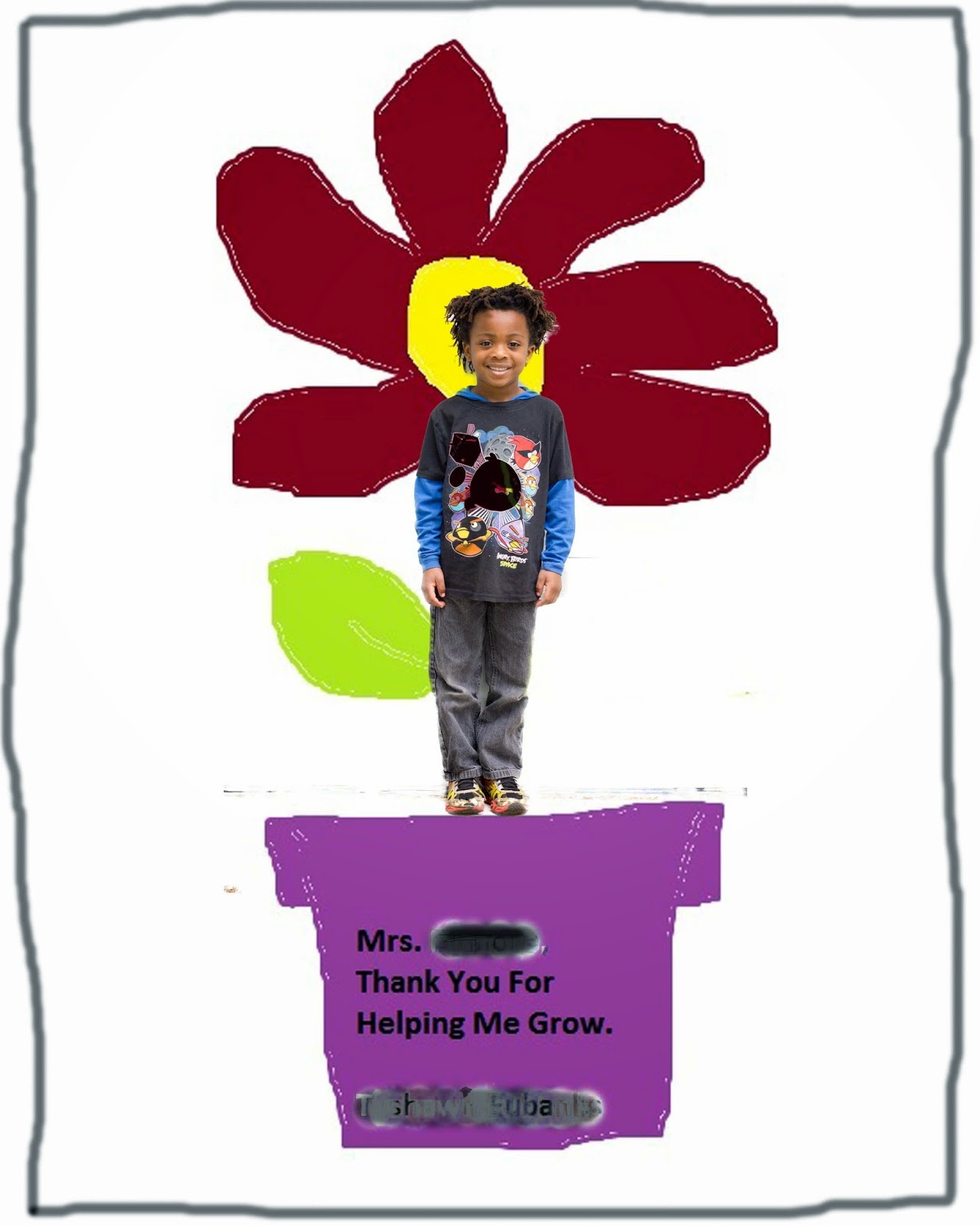
All you need is a camera and a computer. I used Microsoft Paint to draw the flower and Photoshop Elements to merge the pictures together. If you have other programs, you might be able to figure out a similar method.
Step 1: Take a picture of your child. You want to use a
background that contrasts with his or her clothing, hair, and skin. If you have
a green screen that would be great, otherwise just a plain wall works too. My
son is dark so the white garage door was my background.

Step 2: Open Microsoft Paint on your computer, draw your
picture. I used the thin brush to outline the pot, flower, and leaf, then used
the fill bucket to easily fill in all the spaces. Make sure your lines are all
closed up! I don’t have much experience drawing in Paint, hopefully your
artwork is a little better than mine! I had to redo it a couple times. Add a text box with your message, “Dear
Teacher, Thanks for helping me grow, ~ Student”. Save as a JPEG.
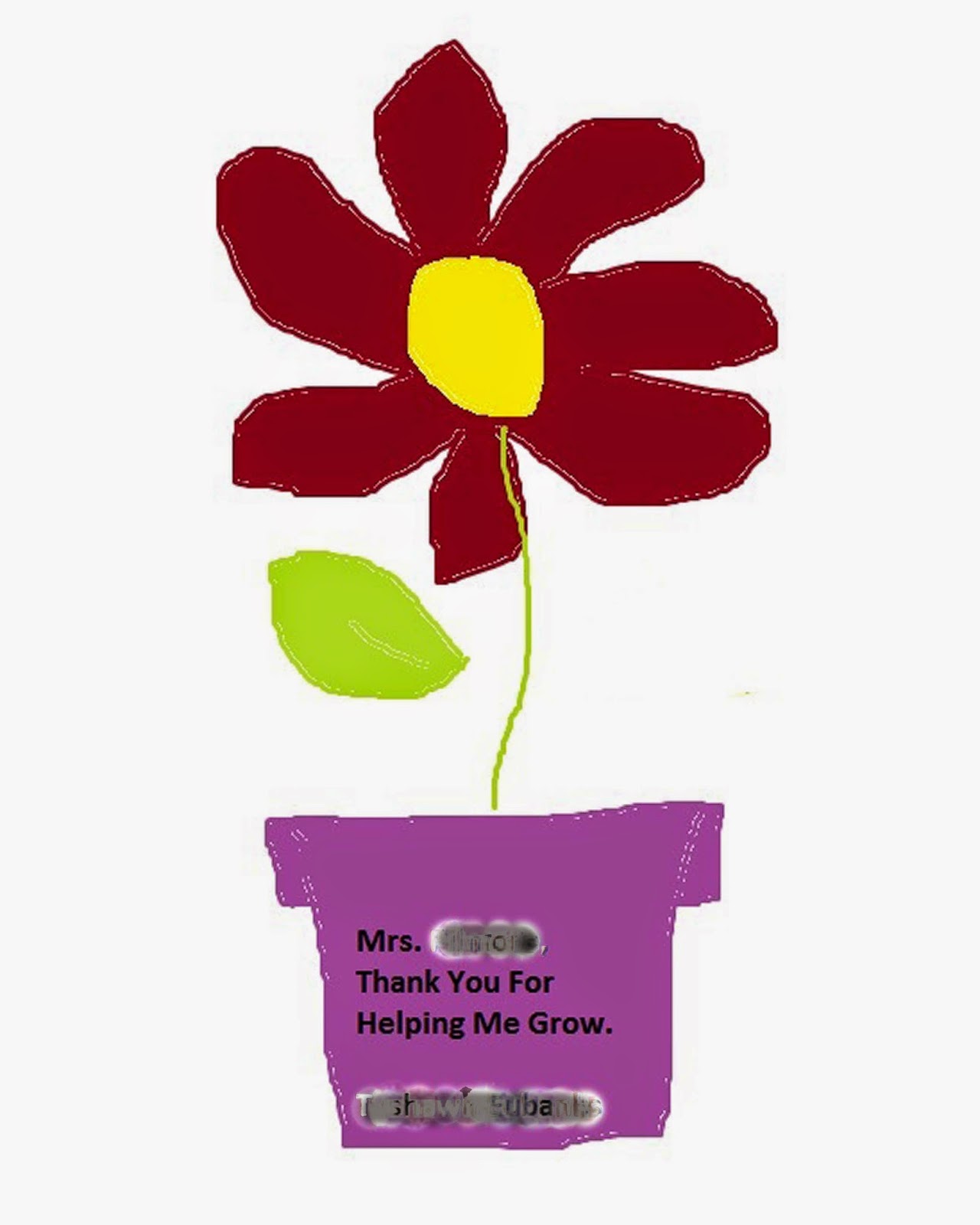
{An alternative would be to manually draw the picture with crayons, markers, etc, and then use your camera or scanner to upload it to your computer}
Step 3: Open your photo in Photoshop Elements. Using the
image extractor, cut out your child’s body from the image (This video shows you two different ways to extract the image in PSE. I used the second method. If you're not using PSE, you'll have to Google it). I recommend saving this as a separate JPEG just in
case you lose it.

Step 4: Open your Paint drawing in PSE, crop to size
8x10.
Step 5: Drag and drop the photo of your child onto of the
flower drawing, creating a 2nd layer, then using the arrow tool on the left, resize the image to fit where it
belongs.
Step 6: Save as a JPEG and print! If your printer isn't
great, you could have it printed somewhere locally, many places offer inexpensive
1-hour printing for small prints.
There you go! A quick and easy Thank You card for your child's teacher.

3 comments :
Love this idea and may very well use for both my girls' teachers. Thanks ;)
What a super idea let teacher know how much his/her hard work has been appreciated all year. Teacher will be able to look back to see who gave this gift. Happy weekend.
This is so cute! Awesome idea! I love it! :)
Post a Comment